Troubleshooting
Our support team is available 24/7.
Customer service specialists can only advise you on the app statistics for the login you use to contact them. You can see your login in the top-right corner of the screen.
If you have a general question, the login doesn't matter.
If you didn't find the answer you were looking for, you can contact us through the chat or use the feedback form to submit your question. Please describe the problem in as much detail as possible. Attach a screenshot if possible.
Chat
Feedback form
To open a support chat:
-
from the Boost interface
In the upper right corner, click
 → Support chat. The chat window will open.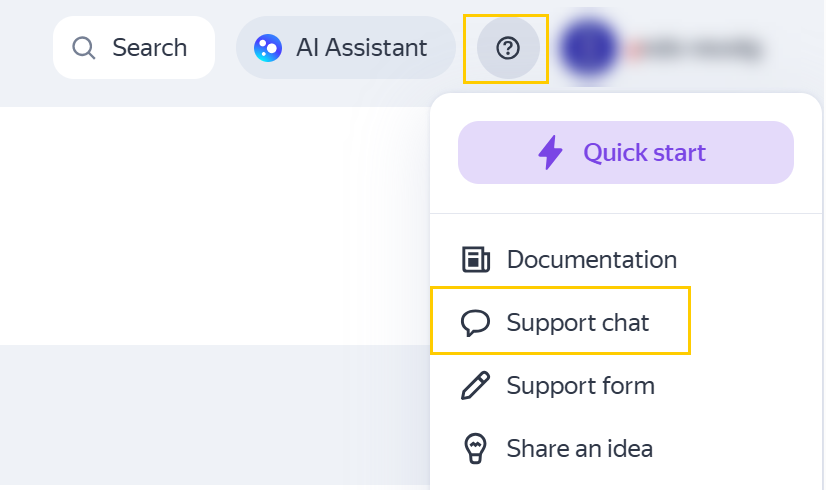
-
from the documentation
In the lower right corner, click
 . The chat window will open.
Was the article helpful?
Previous