Set-up wizard
When you start working with the Boost service, a checklist of recommended settings is displayed at the top of the Home page. To complete a setting, click on the row.
-
One ecosystem: Ad monetization, mediation, and analytics solutions (powered by AppMetrica, Yandex Ad Network and Easy Monetization) already work together in Boost. Soon, user acquisition and in-app monetization will be added, creating a single space for your entire growth stack.
-
One source of truth: See all your key metrics in one place, across product, marketing, and monetization teams. No duplicates, no gaps — just a complete, real-time picture of your app’s performance.
How to get started with Boost
-
Go to [Boost Interface](https://boost .yandex.com/overview). To view information about your organization, click on the section Overview. If you switched to Boost from AppMetrica or YAN, all data and settings were transferred automatically. For more information about switching to Boost, see the sections Switch from AppMetrica and Switch from YAN interface.
-
At the top of the overview workspace, you will see a checklist of recommended settings. Click the bar to configure the settings.

Step 1. Set up your App Families
-
Add missing apps, regroup them, and create new families.
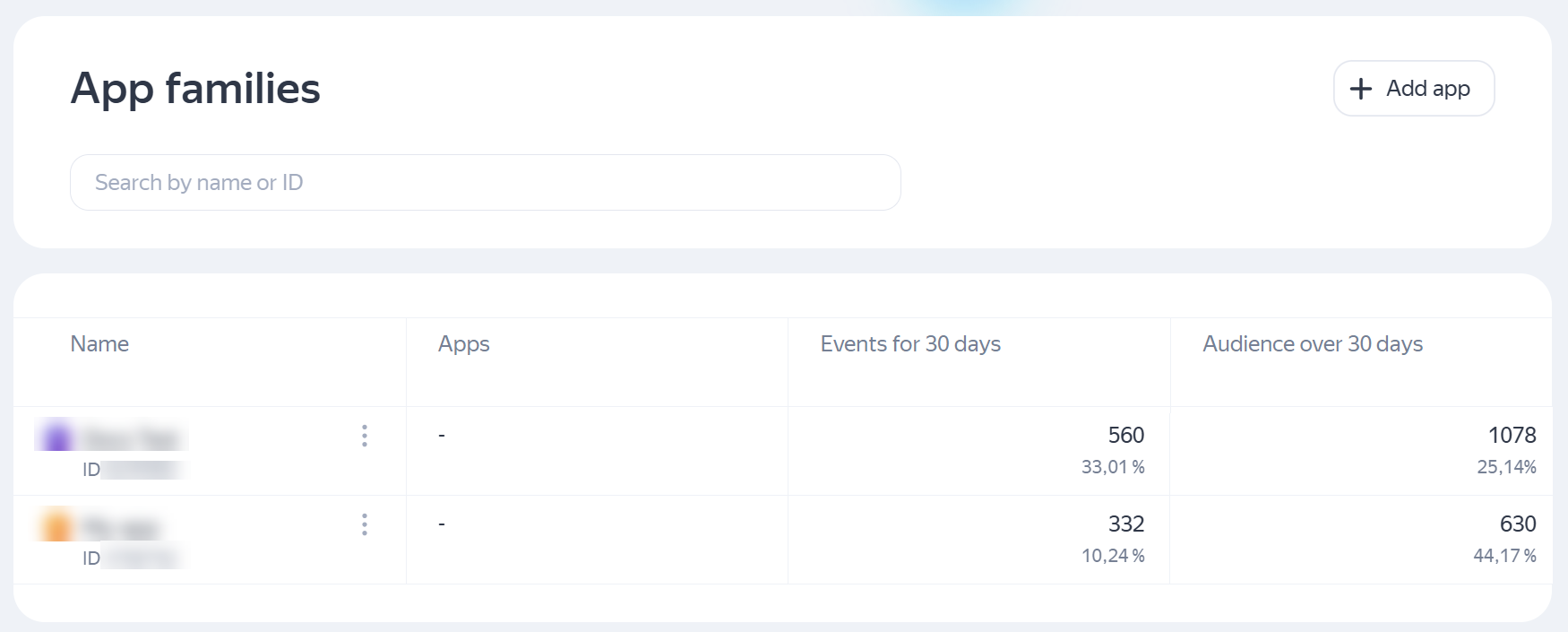
For more information, see Add an app.
Step 2. Set up monetization
-
Add your app to an existing family or create a new one.
-
Verify your access to the app and wait for moderation to complete.
Step 3. Connect analytics
-
Explore monetization reports.
-
Check which tariff plan suits you best.