AI Assistant
You can ask the AI Assistant any questions related to the service. AI Assistant can:
- find information in the documentation;
- generate a link to a report with the required filters, groupings, and metrics;
- suggest how to use the service more effectively.
How to use the AI Assistant
-
Click the AI Assistant button in the top right corner — a chat window will open.
-
Choose one of the available modes:
- Auto — the AI Assistant will automatically select the appropriate mode.
- Documentation — search for answers in the Boost documentation.
- Reports — building reports, analyzing data, and providing brief insights based on Boost data.
- Thinking — generating hypotheses and searching for ideas on given topics.
-
Ask your question and continue the conversation with the AI Assistant in the chat, or choose one of the options:
- How many installs did I have last week?
- How to add an ad unit?
- How to see how much money my app earned yesterday?
- Monetization settings audit for revenue maximization
Monetization settings audit
To get recommendations for increasing revenue, open the AI Assistant and select Monetization settings audit for revenue maximization.
The AI Assistant will check key settings:
- Ads SDK relevance — whether the latest version of the advertising SDK is used;
- presence and correctness of the
app-ads.txtfile; - relevance and completeness of bank details;
- verification status of all applications;
- completeness of monetization setup.
As a result of the audit, you will see:
- list of identified issues;
- recommendations for resolving each issue;
- links to documentation.
Additional features
- To learn more about the AI Assistant's capabilities, open it and click the What I can do button.
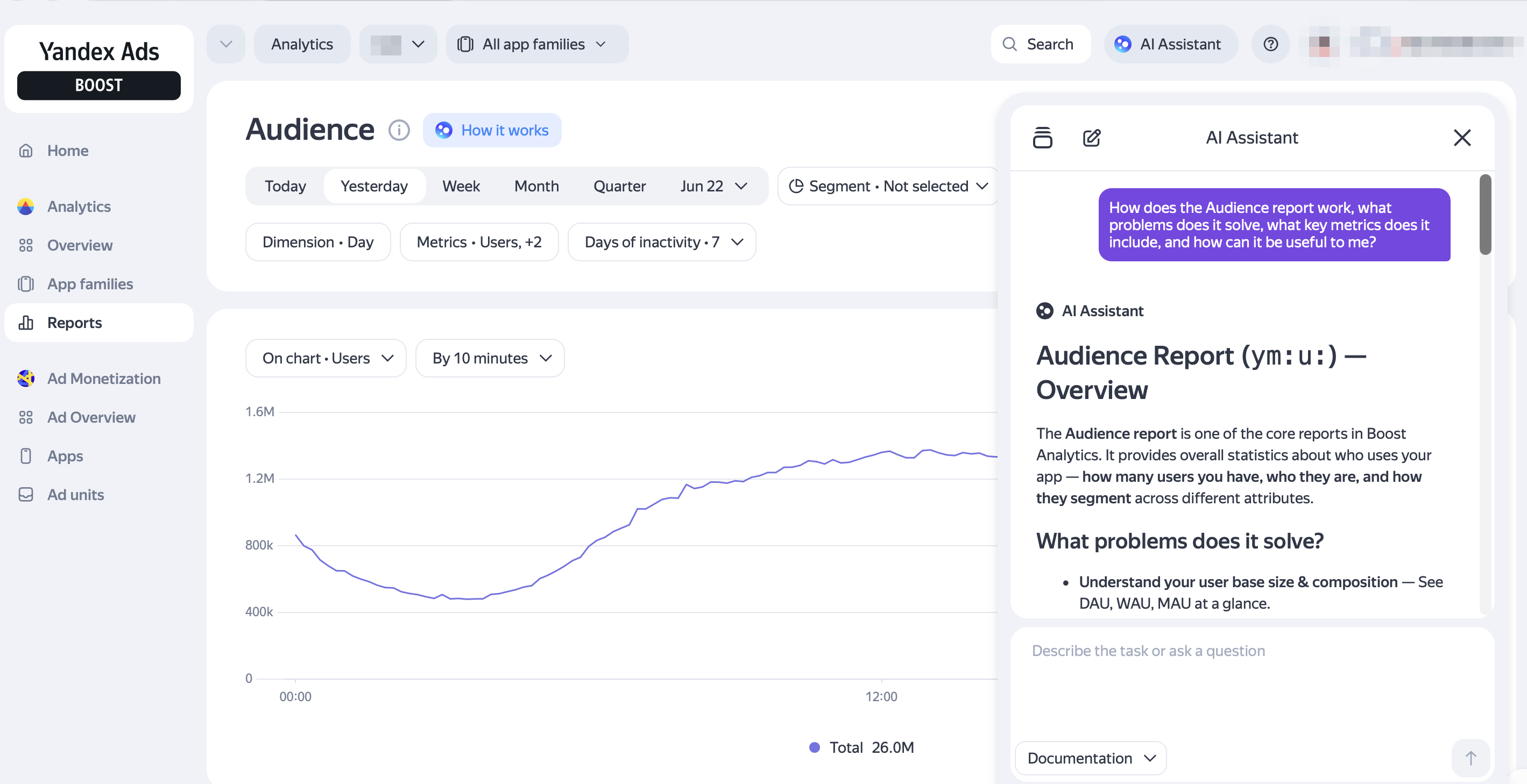
- In the reports section, a How it works button appears to the right of the report name. Click it to learn how the selected report works.
- If ECommerce events are not configured in the Ecommerce report, you will see a Why I don't have data button. Click it, and the AI Assistant will explain how and why to mark up E-commerce data in Boost.
Example questions
Here are some example questions you can ask the AI Assistant:
- What is the current SDK version for Android?
- The AI Assistant will show the current version and tell you about the latest updates included in it.
- How many app installs were there last week? How much did I earn yesterday from in-app purchases?
- The AI Assistant will generate a link to a suitable report with the required metric and data selection period. You can follow the provided link to continue exploring the data.
- How can I increase app monetization?
- The AI Assistant will suggest hypotheses and ideas for discussion.
- How has the share of paying users changed over the last week?
- The AI Assistant will show the change in the share of users who make in-app purchases each day.
- Retention for the last 30 days by country
- The AI Assistant will show Retention for the last 30 days broken down by country.
If you didn't find the answer you were looking for, you can use the feedback form to submit your question. Please describe the problem in as much detail as possible. Attach a screenshot if possible.